How to Add Kanban Board Link to Quick Launch
Discover the step-by-step process to quickly access your Kanban Board in SharePoint by adding its link to the Quick Launch panel. Dive into our guide to get started.
Explore powerful administration tools on Virtosoftware's blog. Streamline tasks and enhance efficiency with expert insights and innovative solutions
19 posts

Discover the step-by-step process to quickly access your Kanban Board in SharePoint by adding its link to the Quick Launch panel. Dive into our guide to get started.

This article provides step-by-step instructions on how to customize and edit a chart in SharePoint using two options: Quick Chart and File Viewer.

VirtoSoftware introduces the updated Kanban Board web part with new features. How you can apply this with maximum benefit — read in our new blogpost!

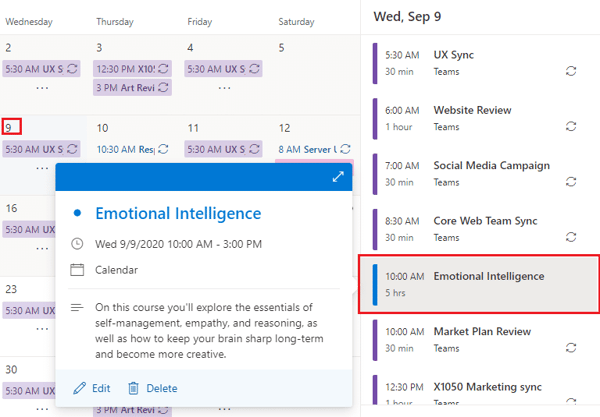
Learn how to manage permissions for your SharePoint calendars with the Virto Calendar Permissions Authorization App.

Virto SharePoint Mini Calendar App for Office 365 now allows you to switch to the Virto Calendar App with a single click.

Follow the steps described in this text and export SharePoint events from your Calendar Overlay Pro to the Outlook in under 5 minutes!

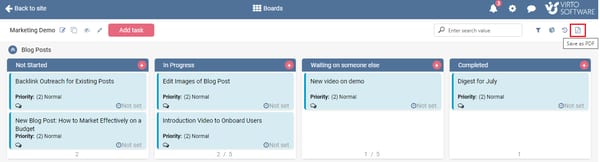
New update for Virto Kanban Board for SharePoint online! Now you can export your boards to PDF files. Save and share your board easily with external users.

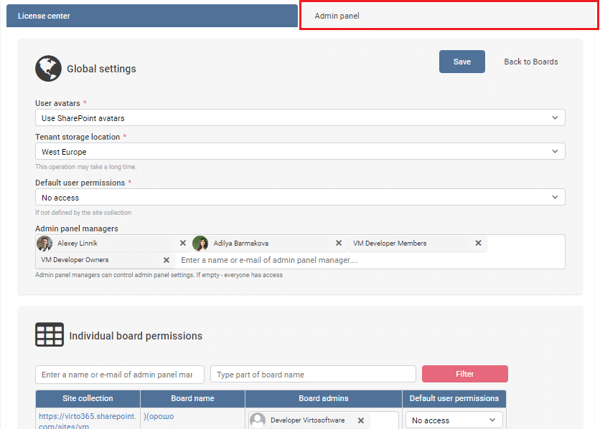
Learn how to manage licenses and permissions with the updated Virto Kanban Board app. Enjoy improved flexibility and customization options.

Learn everything you need to know about Microsoft 365 Forms, robust applications that can allow you to set up and automate various workflows.

Discover tips and tricks for customizing your SharePoint calendar, including changing colors, adding custom views, and embedding in other applications.

Learn about Virto Backup and Recovery Tool, the solution to all your SharePoint backup problems. Read about its features and how it can benefit you.

Get step-by-step instructions and best practices on how to set up alerts in SharePoint to stay informed about changes in your lists and libraries.