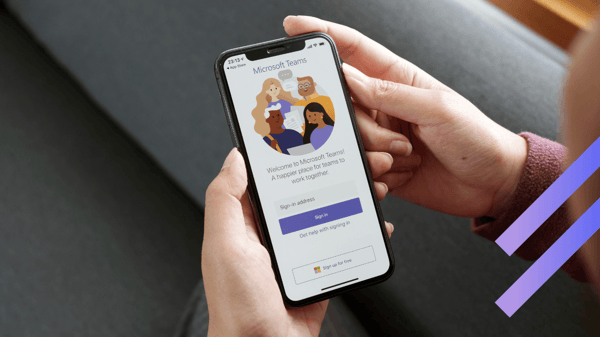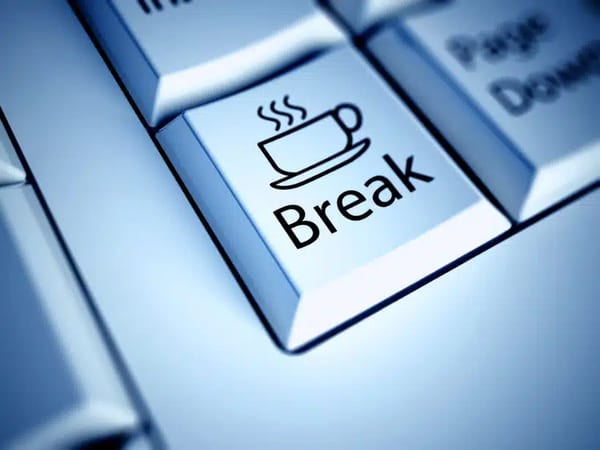
MakeSomeBreak for MS Teams – VirtoSoftware Launches New Free App
Discover MakeSomeBreak, a new free MS Teams app by Virtosoftware that helps employees take breaks and boosts their productivity. Learn more in our article.
Discover our easy-to-follow, expertly-crafted tutorials and 'how-to' guides, designed by VirtoSoftware's seasoned team with over 15 years of experience. Access free, detailed reviews for Microsoft Teams, enabling you to enhance productivity and become a platform pro effortlessly.
38 posts

Discover MakeSomeBreak, a new free MS Teams app by Virtosoftware that helps employees take breaks and boosts their productivity. Learn more in our article.


Install Calendar Overlay Pro by Virto in Microsoft Teams to simplify your workflow, and you won’t need to worry about switching between apps.

This use case shows the benefit of the joint use of Virto Alerts and Kanban Board for Microsoft 365. Learn more.

VirtoSoftware provides a special offer for educational organizations: 15% permanent discount. Read more to get the details.

Learn how to integrate SharePoint Online alerts with MS Teams and get notifications in real-time. Check out our use case for Virto SharePoint Online Alerts.

Learn how to manage permissions for your SharePoint calendars with the Virto Calendar Permissions Authorization App.

Watch our new video and learn more about the Virto SharePoint Kanban Board Online app for Office 365 and its key features.

In this article we’ll go over each Microsoft 365 apps: from calendars, file sharing, and storage to web conferencing and high definition video!

Discover how to create a public folder calendar and add it to your Virto calendar with Calendar Overlay Pro and add it to Microsoft Teams.

Read our step by step guide on how to install Virto Calendar directly from Microsoft Teams and how to merge calendars in one view.

This guide will show you how to easily install and use the SharePoint Kanban Board Pro by Virto in Microsoft Teams.

Learn how to add Virto Calendar to Microsoft Teams as a tab to manage all your events right from Teams without switching applications!