




Microsoft Teams
, SharePoint Online
Virto Calendar App Update: Busy Status in Calendar Events
Discover the new features of Virto Calendar app for Office 365 and MS Teams. Learn how to use the Free/Busy option and filter events by status.
Discover our easy-to-follow, expertly-crafted tutorials and 'how-to' guides, designed by VirtoSoftware's seasoned team with over 15 years of experience. Access free, detailed reviews for Microsoft Teams, enabling you to enhance productivity and become a platform pro effortlessly.
91 posts
Discover the new features of Virto Calendar app for Office 365 and MS Teams. Learn how to use the Free/Busy option and filter events by status.
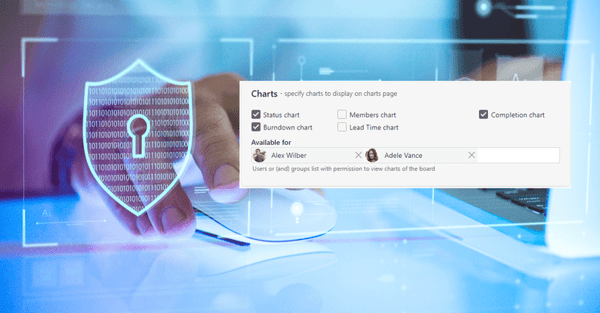
The new feature for charts of the Virto Kanban Board Online App is available. Check for the new options and how you can apply them!

Learn how to add a data source to Virto Calendar with this video tutorial. Discover the benefits of integrating multiple data sources into your calendar!

Learn about the features and benefits of the Virto Calendar App in a new overview video. This SharePoint web part can help you better manage your schedule.

Now you can add location to the calendar event, view mini calendar on SPFX, and more. Upgrade your SharePoint calendar and improve your collaboration today!
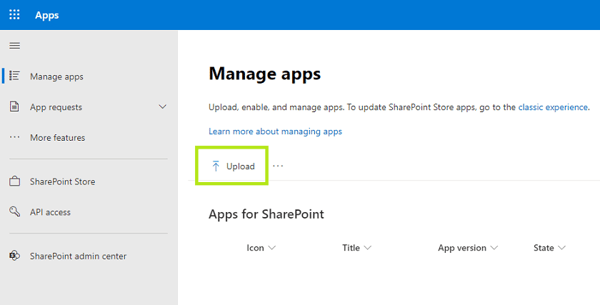
If you need to install Virto SPFx custom app, please follow this simple instruction we have prepared for you.
Discover how to streamline your SharePoint project management. Learn its features and how VirtoSoftware can improve your M365 experience.
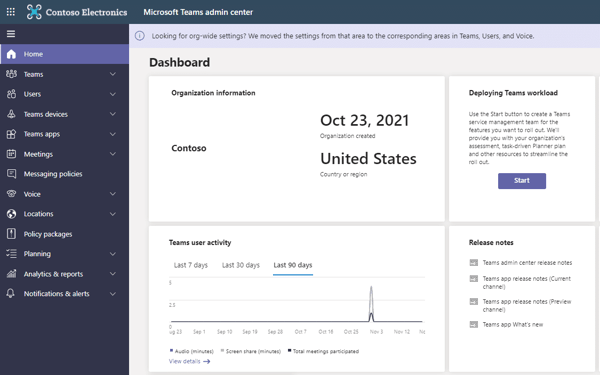
Teams is an incredible tool that opens an entirely new world of collaboration. And yet, there are some features that are not as obvious as others.

VirtoSoftware introduces the updated Virto Kanban Board App with new useful options. Take a look at what we have changed and how you can apply it.
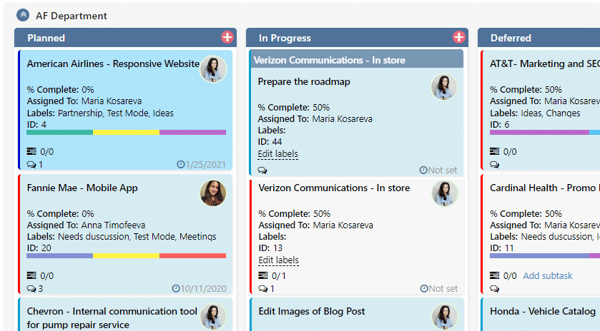
Kanban Board Pro by Virto now supports subtasks for splitting and working on tasks step by step. Read articles and learn about new features!
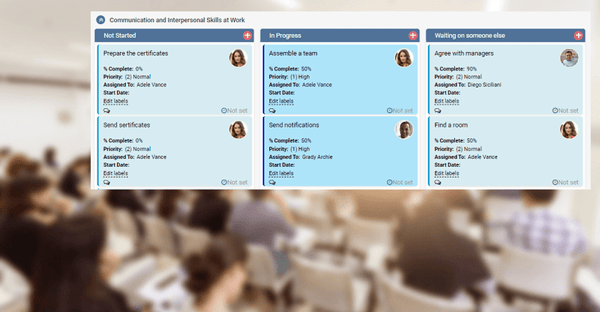
Virto Kanban Board has multiple scenarios to implement. This case study describes how you can apply it for managing corporate training.
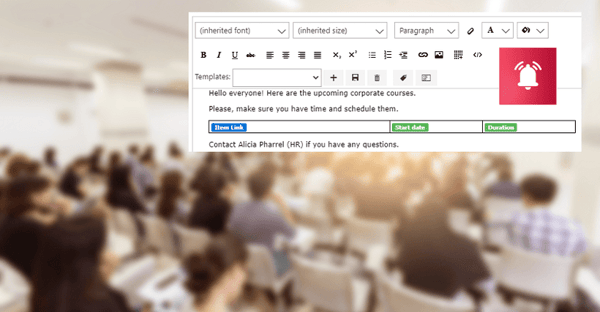
Discover how to use Virto Alerts Online App to organize reminders for upcoming training courses and send them directly to a Microsoft Teams channel.
