Virto SharePoint Kanban Board for Office 365 — Key Features
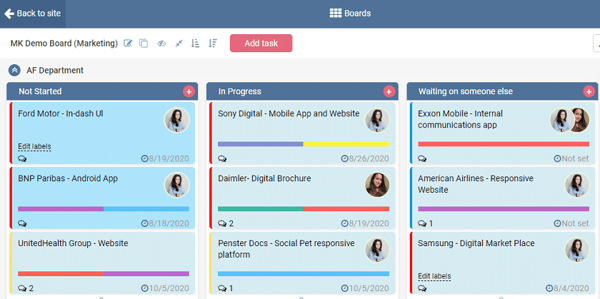
Virto Kanban Board App for Office 365 is a Scrum online tool. Key points of using the Kanban Board are in the video and in the our new post.
Unlock efficient project planning, organizing, and collaboration strategies with customizable task management. Read our latest blog post for insights.
37 posts

Virto Kanban Board App for Office 365 is a Scrum online tool. Key points of using the Kanban Board are in the video and in the our new post.


In this post we’ll go over the topic of integration between SharePoint and Teams again focusing on connecting SharePoint alerts with Teams.

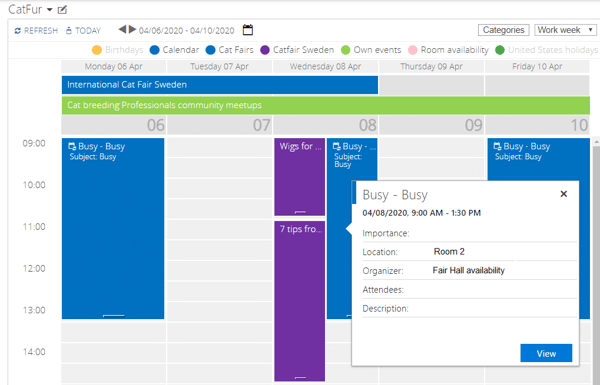
Learn how Calendar Overlay Pro by Virto can help you plan, execute, and track campaigns while keeping all your data within your SharePoint or Microsoft 365.

Discover how to use Kanban in Teams with the Virto SharePoint Kanban app. Organize and manage your tasks in a visual and efficient way within Teams.

Optimize your team's workflow with Microsoft Teams Kanban Boards. Dive into the power of visual task management and discover tools that transform productivity, ensuring every project is a success.

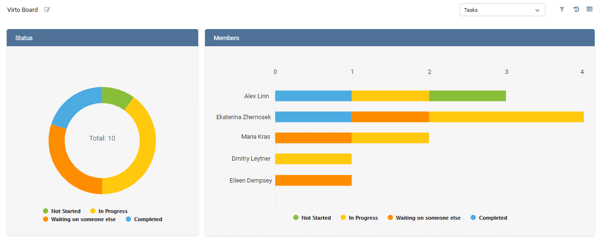
Discover how Kanban Board Pro by Virto can help your team update tasks in SharePoint lists and integrate with Microsoft Project.

Learn how to color-code your SharePoint list items using calculated columns and custom CSS to improve visual representation and enhance usability.

Discover the new Virto Office 365 Workflow Actions for enhanced workflow management in SharePoint Online. Read this article to learn more!

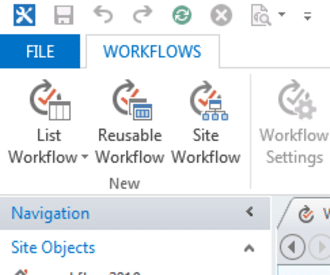
Learn about the different types of workflows in SharePoint and how to create a SharePoint 2013 reusable workflow in this article.

Learn how to create a SharePoint Kanban board to manage tasks by users instead of priority. Improve your team's task management today!

Learn how Kanban methodology, originally implemented in Toyota to improve manufacturing efficiency, became a popular agile framework in IT.

Are you spending too much time on SharePoint project management? Learn how to optimize your workflow with the built-in templates and third-party tools.