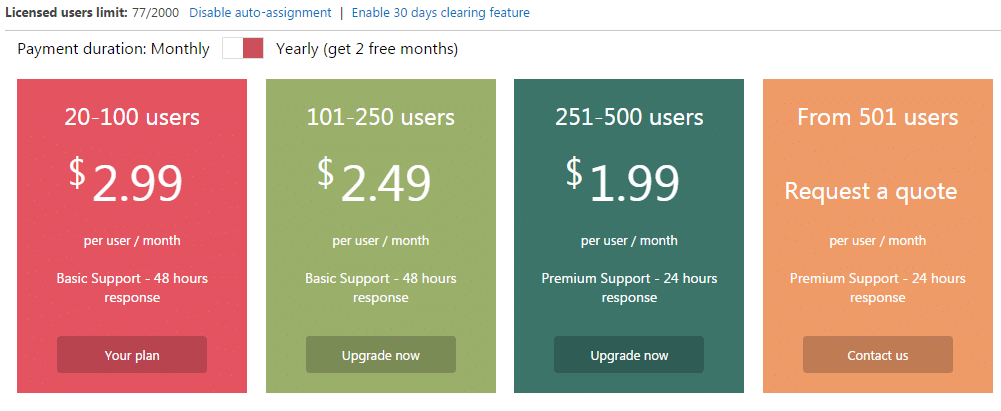
SharePoint Online Calendar by Virto with latest update can handle your users licenses effortlessly with enterprise-class subscription management features. If auto-assignment feature is enabled, any user who opens SharePoint Calendar add-in or opens the page with installed SharePoint Calendar add-in, will be added to licensed users list automatically. If your company has hundreds or even thousands of users this feature can become essential for SharePoint administrator, cause he do not need to add manually all licensed users to the list. You can apply license cleaning feature to automatically delete from licensed users list all users who have not used SharePoint Calendar more than 30 days.
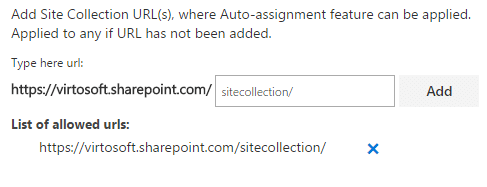
Another option is site collection url(s) assignment for adding licensed users. You can define the list of SharePoint sites where the users auto-assignment feature can be applied. Now if a user opens Virto SharePoint Online Calendar on any site that is NOT contained in this list, he will not be added to licensed users list.
You can download the fully functional 30-days trial of Calendar Overlay Pro App and try all its features for free.
| Related Products: |
|---|
 |
| Virto Calendar Overlay Pro App |