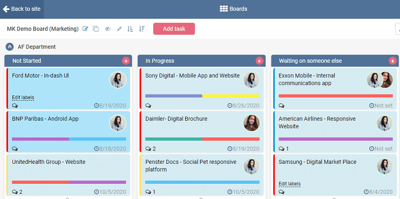
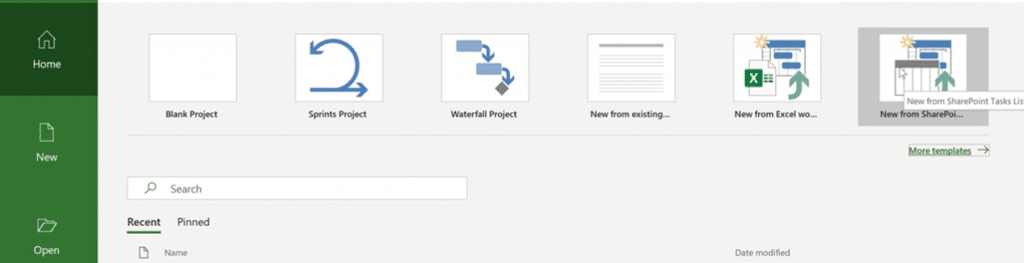
Every project manager values the specialized project management software. For the project managers, this software is a science, an art, an ambassador of His Majesty Control. And every project manager is in an under-cover resistance with the rest of the company. Because it’s not just the project manager. To orchestrate, you need a chorus. In this chorus, every player has to be equipped with the right tool and the notes. Unfortunately, for many parties, the science and art of project management is too exhausting. So to make your team play you need to find something very simple, something everyone can use. Let’s imagine your company uses any version of SharePoint or SharePoint Online as a communication platform, and you use one of the most common project management tools: Microsoft Project. It’s something you will orchestrate with. For the rest, you have Virto Kanban Board. Or I’d rather say Virto Kanban boardS as you can have as many boards to your SharePoint list as you need. This is the tool for your team, your chorus. Your team will update the Virto Kanban boards. Kanban boards will store the information in the SharePoint list. And here goes the magic. You open your SharePoint lists with Microsoft Project Pro and see all the updated statuses and the changes to your project. All synced, all set.
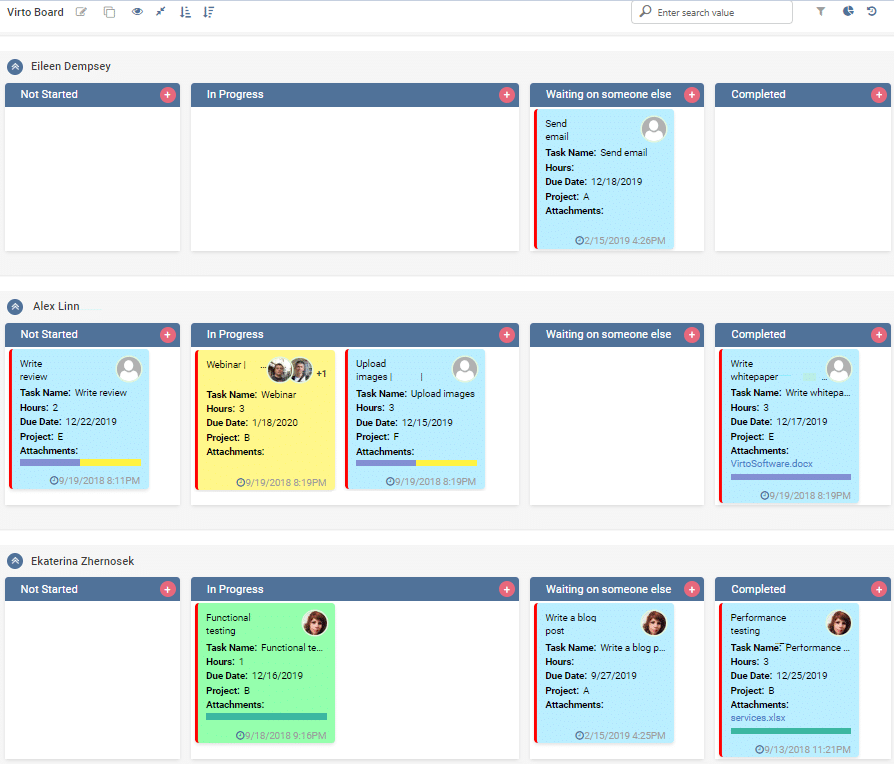
Here is what Virto Kanban can help your team do. For your resource managers, team leads, you can have a separate board where they assign a specific team member to a specific task, across all projects the company run.
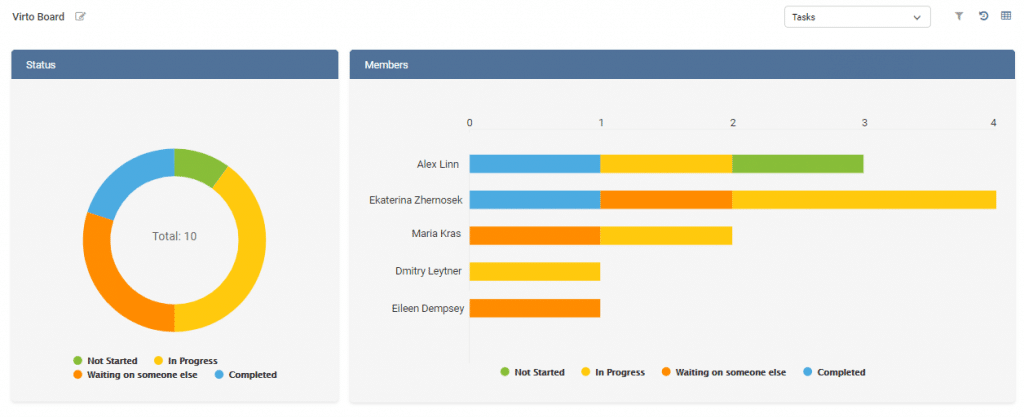
They can also use analytics to view the reporting, filter tasks per person, see statuses, etc.
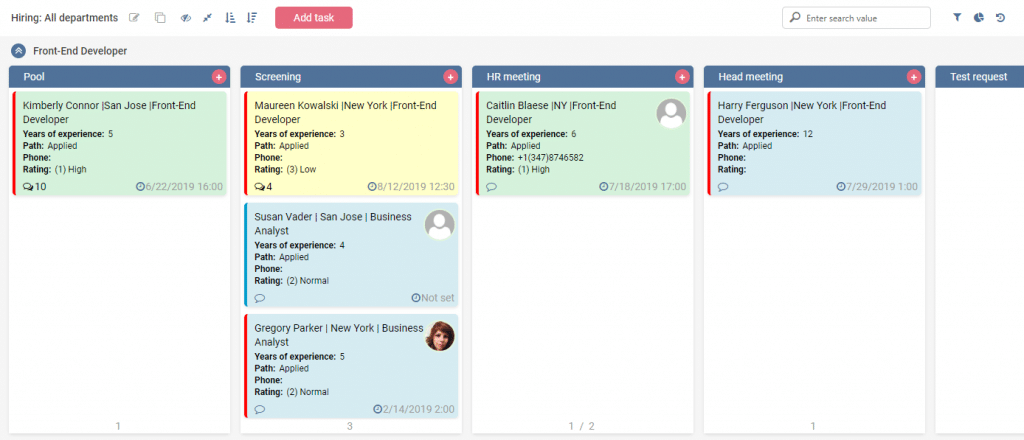
An executor, a team member can see a board of the project they participate in and understand the value of the task they execute.
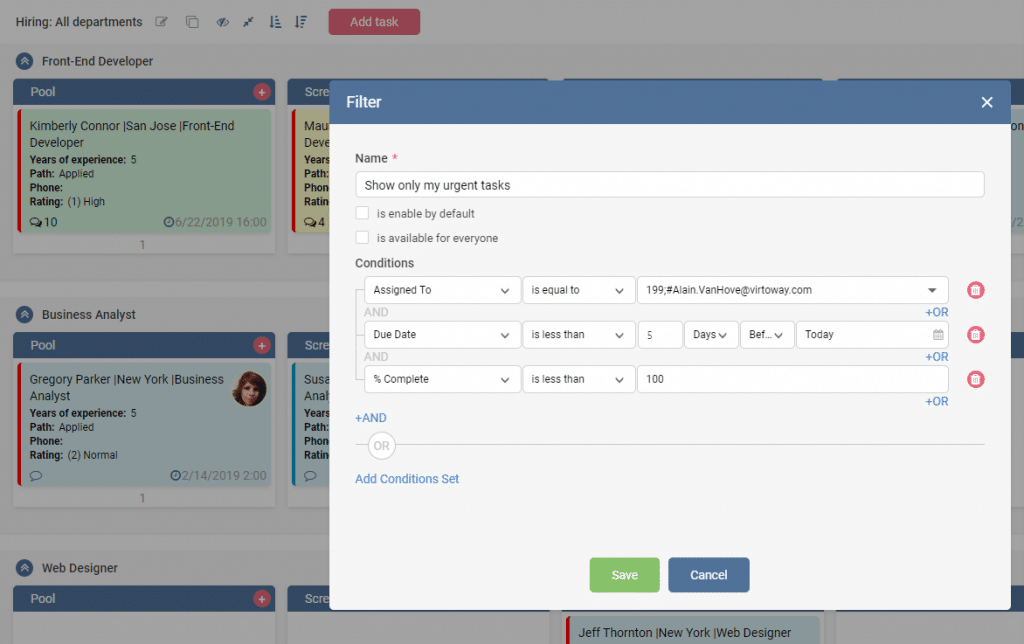
A tip: you can allow users to only edit their tasks.
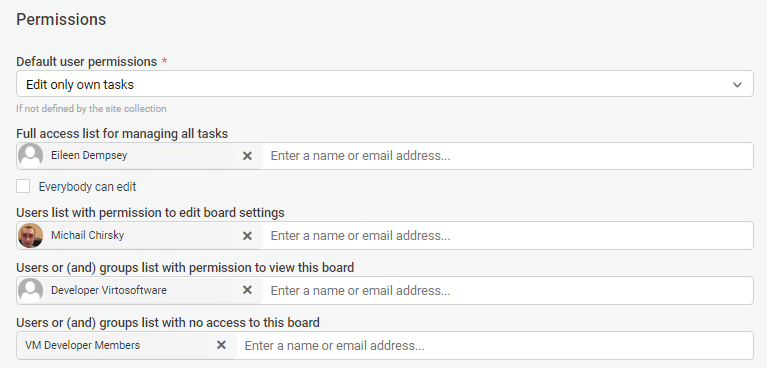
They can also see their tasks only.
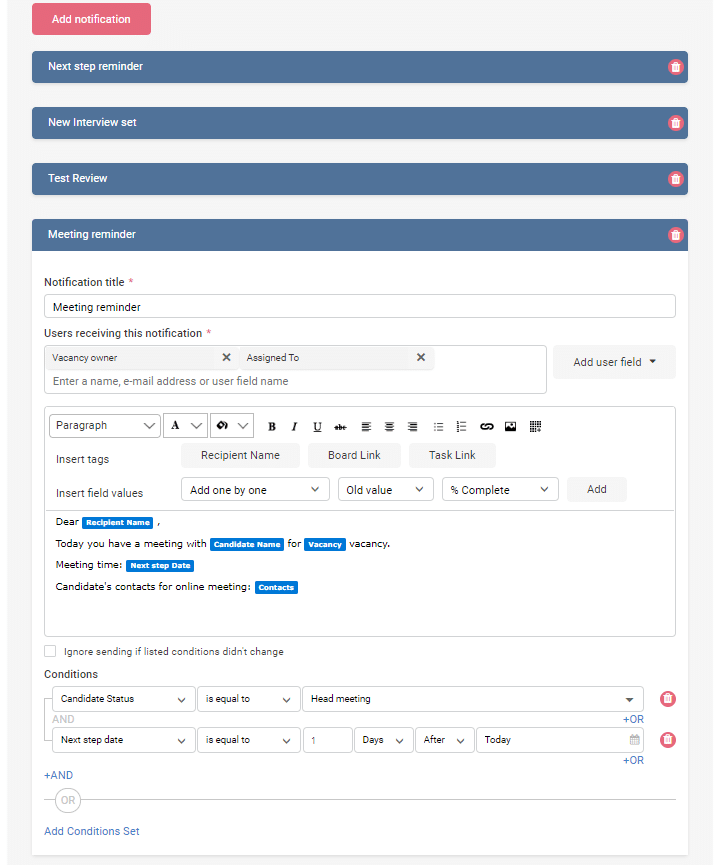
Also, your team doesn’t have to track the changes manually. Flexible notifications for the task changes will let you know when critical events happen.
Download the Office 365 Kanban and try all new features in a free trial version.
| Related Products: |
|---|
 |
| Office 365 Kanban |