Virto Kanban Board Office 365 was updated with boards Recycle Bin, user mentioning in comments, and comments’ content in e-mail notifications.
Boards Recycle Bin
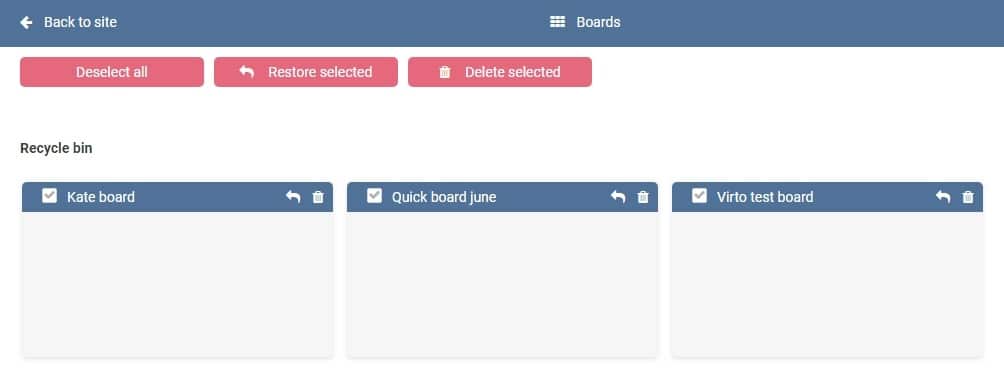
All deleted Office 365 Kanban boards are imported to Recycle Bin.
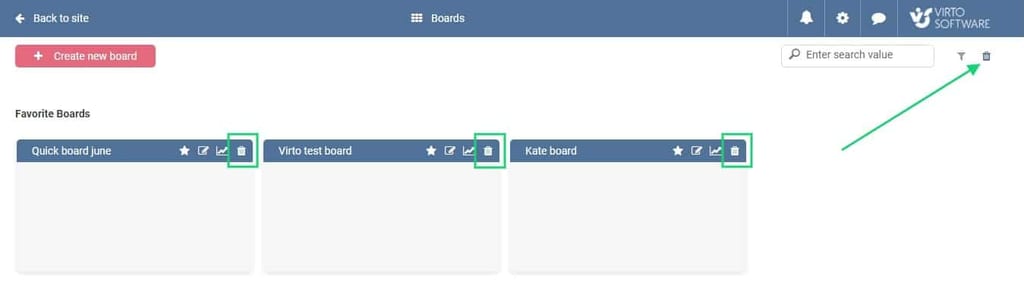
You can decide later if you want to delete a board completely or to restore it at any moment to check necessary info or continue work with this board.
User mentioning in comments
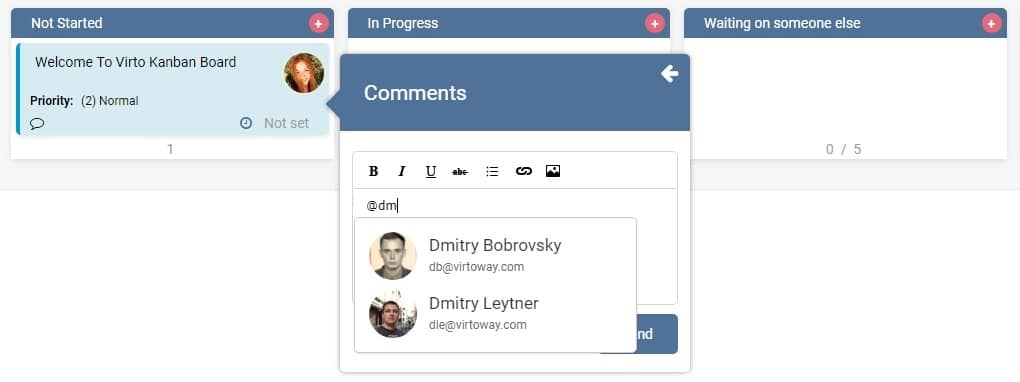
If a task requires someone’s attention, you can mention this user by entering @ sign and choosing the name from the search suggestions.
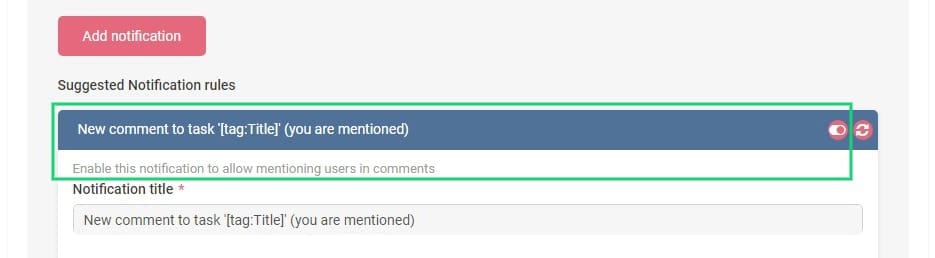
A person receives notification about comment to the task, where he or she was mentioned. To enable this feature for a board’s users, you need to activate relevant notification in board settings.
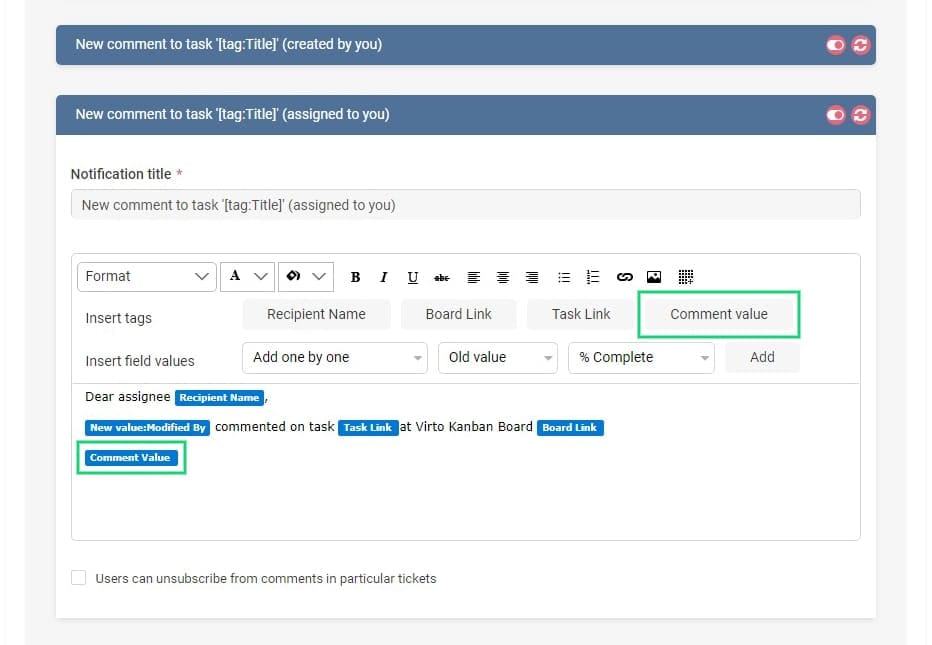
Comment value in notifications
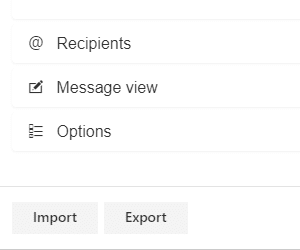
You can include new tag “Comment value” in any notification message about comments. The comment content will be displayed in the e-mail. This feature reduce the need to go to the board just to know what the comment was about.
Download the Office 365 Kanban and try all new features in a free trial.
| Related Products: |
|---|
 |
| Office 365 Kanban |