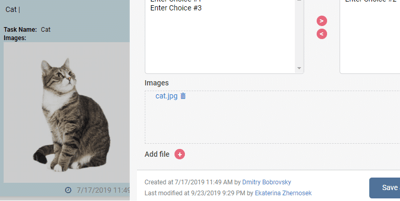
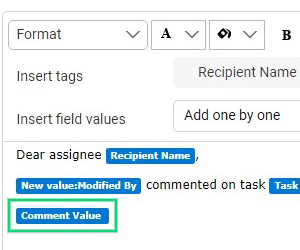
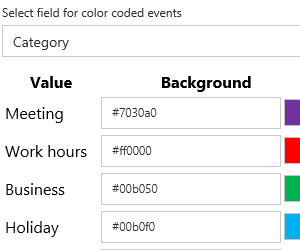
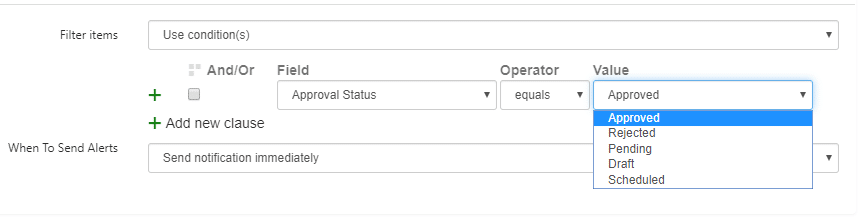
Office 365 Alerts and Reminders App was updated with Alert Owner Groups, ability to copy alerts, and more features for message view. Virto Office 365 Alerts app was updated with many useful features. We’ve added support for SharePoint Rich Text+Image and Image Fields. Also added support for conditions with Approval Status fields.
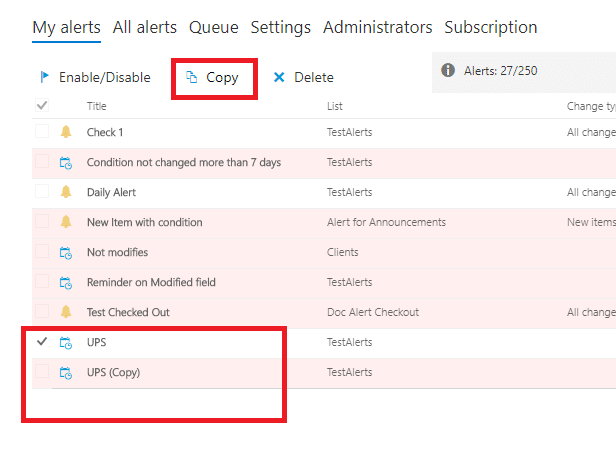
Alert copy
You can copy an existing alert and modify it.
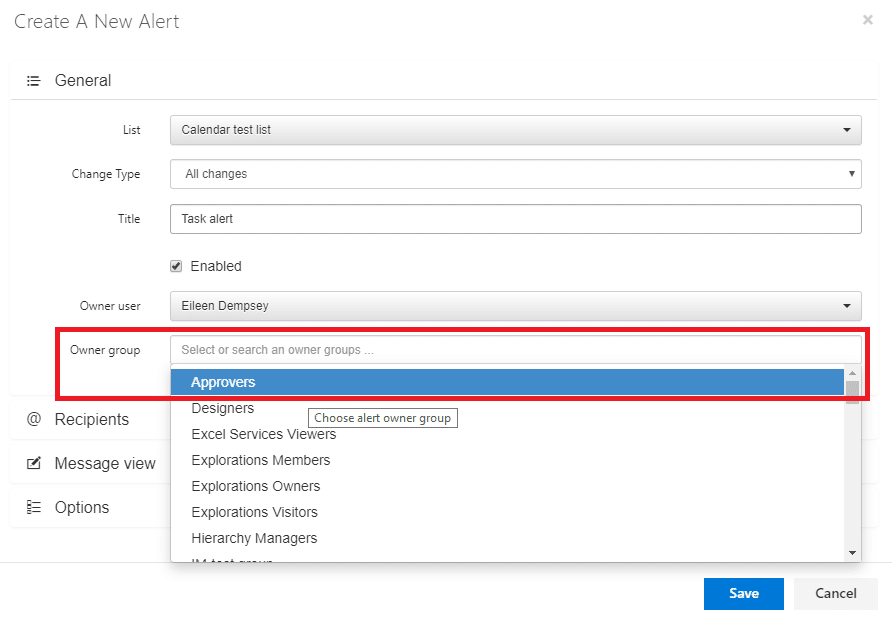
Alert Owner Groups
We’ve added alert owner group. There are the SharePoint users who can edit this alert. Usually, only the administrator and the alert creator (owner) have the ability to edit an alert. If an alert owner was fired, only the administrator has access to these alerts, or you can change the alert owner and give permission to edit certain alerts to any other user.
Features for message view
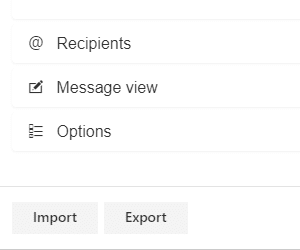
The message format options in Office 365 Alerts app were extended.
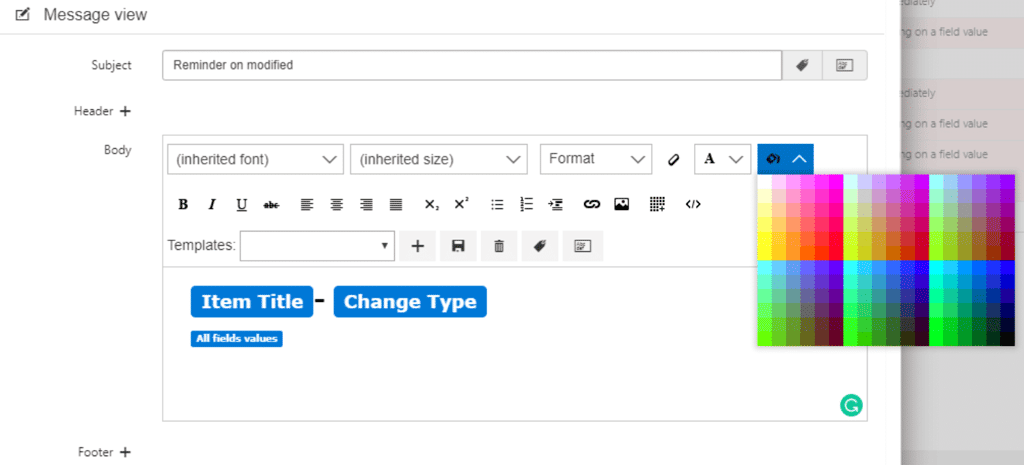
You can choose font size and color, background color, clear format, and view/edit html. Learn more about all Office 365 Alerts app features and try free fully functional trial.